













"Secure video conferencing" is one of those phrases that sounds like a product category and is actually a set of practices. When a government IT director or a nonprofit operations lead shops for a secure meeting room camera, they're usually asking the wrong question — not because security doesn't matter, but because the camera is the least important part of the security equation. A government conference camera purchase that starts from that hierarchy saves both money and review cycles.
This guide reframes the government conference camera decision for public sector and nonprofit meeting rooms: what security actually means at the hardware layer, how to think about government Teams rooms and Zoom setups, and how to equip huddle rooms, meeting rooms, and boardrooms on budgets where every dollar is scrutinized.
First Principles: Where Security Actually Lives
Strip the question down to mechanism. A video meeting has four layers where confidentiality can be won or lost:
- The platform — encryption in transit, meeting access controls, waiting rooms, recording policies. This is where nearly all of "secure video conferencing" lives, and it's configured in your Zoom, Teams, or Google Meet administration, not purchased in a box.
- The network — your agency's or organization's infrastructure, firewalls, and device management. Owned by IT, independent of camera choice.
- The room practice — who can see the screen, whether documents are visible on camera, whether the door is closed. Free, and frequently the weakest layer.
- The hardware — the camera, microphones, and speaker. Real but modest security surface.
So what does the hardware layer actually contribute? A camera's security profile comes down to its data flow: does it have its own network connection, its own operating system, a companion cloud account, storage, or always-on services? A networked room appliance carries all of those and must be reviewed, patched, and monitored accordingly. A class-compliant USB camera-speakerphone carries none of them — it streams only while the approved platform is running, stores nothing, and adds no new software to manage. This is the non-intuitive insight that reshapes procurement: the simplest hardware is often the most reviewable hardware. A secure conference room camera is less about hardened features and more about having fewer features that need hardening.
One caveat before proceeding: agencies with formal certification requirements — specific procurement lists, mandated platform certifications, or classified-environment rules — must follow those policies, and no peripheral choice overrides them. Settle the policy question with IT security before shopping, not after.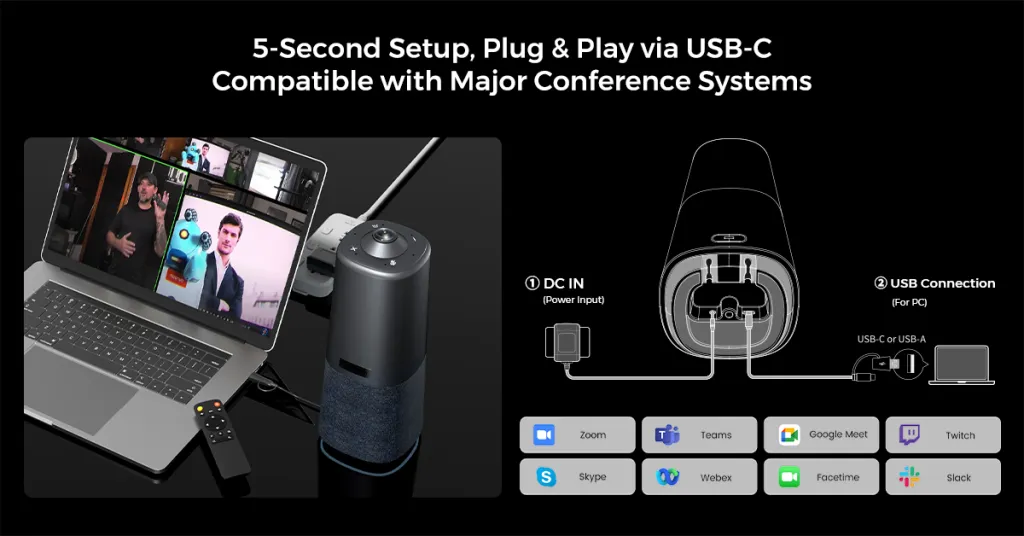
Government Conference Camera Basics: Teams Rooms and Public Sector Video Conferencing
The practical center of public sector video conferencing today is the Teams room — interdepartmental meetings, cross-agency coordination, public hearings with remote participants. The phrase "government Teams room" covers two very different implementations:
- Appliance-based Teams Rooms: a dedicated room PC or certified appliance, permanently installed, one-touch join. Excellent for flagship rooms used daily in the same format — council chambers, executive briefing rooms. Expensive per room, fixed in place, and overkill for the majority of spaces.
- BYOD Teams rooms: any laptop running Teams, plus a quality USB camera and speakerphone. A government Teams room of this kind costs a fraction as much, works with every platform (important when external partners are on Zoom or Google Meet), and can be set up by any staff member.
The decision framework for which to deploy where:
- How many days a week is the room used, in the same format? Daily, same-format → appliance earns its cost. Anything less → BYOD.
- Do external participants use different platforms? Yes → BYOD flexibility wins; an appliance locked to one platform becomes an obstacle.
- Who supports the room? If the answer is "whoever booked it," the room must be plug-and-play — full stop. A public sector video bar or 360-degree all-in-one that any employee can connect in under a minute will outperform a sophisticated system that requires the one IT person who understands it.
Government huddle room cameras deserve special mention because huddle rooms are where public sector work increasingly happens: quick interdepartmental syncs, case coordination, hybrid check-ins with field staff. These rooms are small, numerous, and unglamorous — and equipping them well with affordable all-in-one units delivers more total meeting quality than one showcase boardroom.
Nonprofit Meeting Rooms: The Boardroom and the Zoom Room
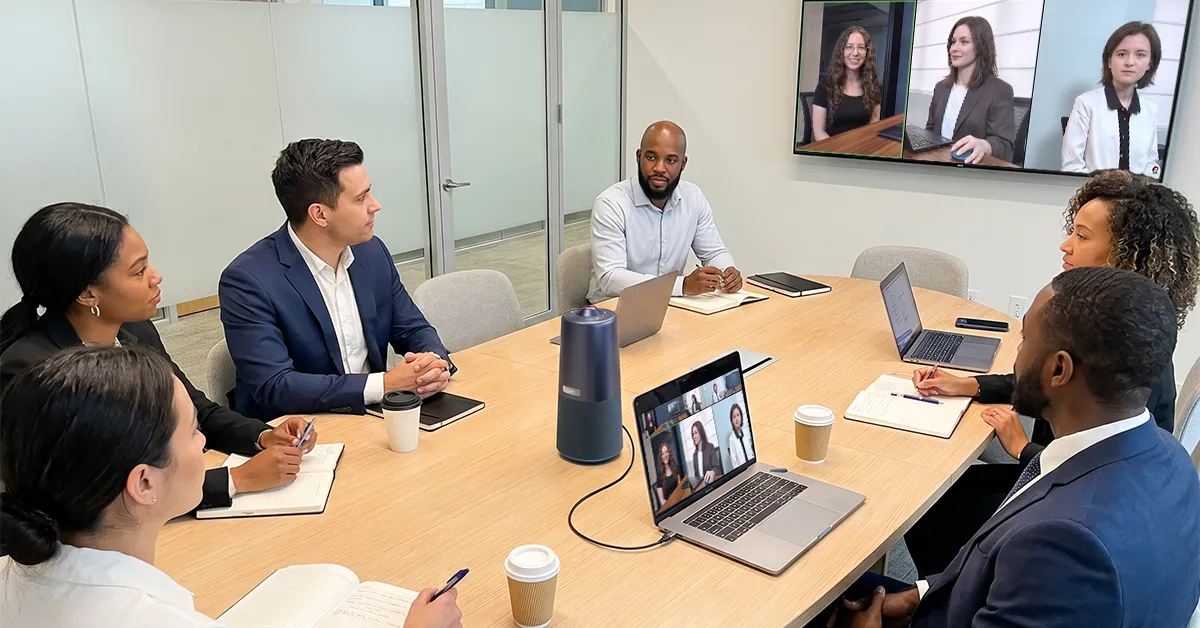
Nonprofits face the same rooms with tighter budgets and an extra audience: the board. A nonprofit boardroom camera hosts board meetings where remote directors — often busy executives donating their time — need full participation. A board member who can only see half the table disengages; disengaged directors drift away. The nonprofit boardroom camera is therefore a governance investment, not an AV line item: it needs whole-table visibility and room-wide audio so every voice, in the room and remote, carries equal weight.
Then there's the everyday nonprofit Zoom meeting room — program team syncs, volunteer coordination, partner calls, funder updates. The nonprofit meeting camera calculus here is pure leverage: one portable all-in-one device that combines camera, microphones, and speaker can serve the program room in the morning, the boardroom in the afternoon, and a community partner site tomorrow. Compare that to the piecemeal approach — a webcam here, a speakerphone there, a tangle of adapters — which costs nearly as much per room, works half as well, and can't move.
The staffing reality seals the argument: nonprofits run on people wearing multiple hats, and "meeting room technician" is on nobody's job description. A nonprofit Zoom meeting room must be operable by the development director, the program coordinator, and the new intern with equal success. One cable, instant platform detection, one button to switch modes — that's the bar.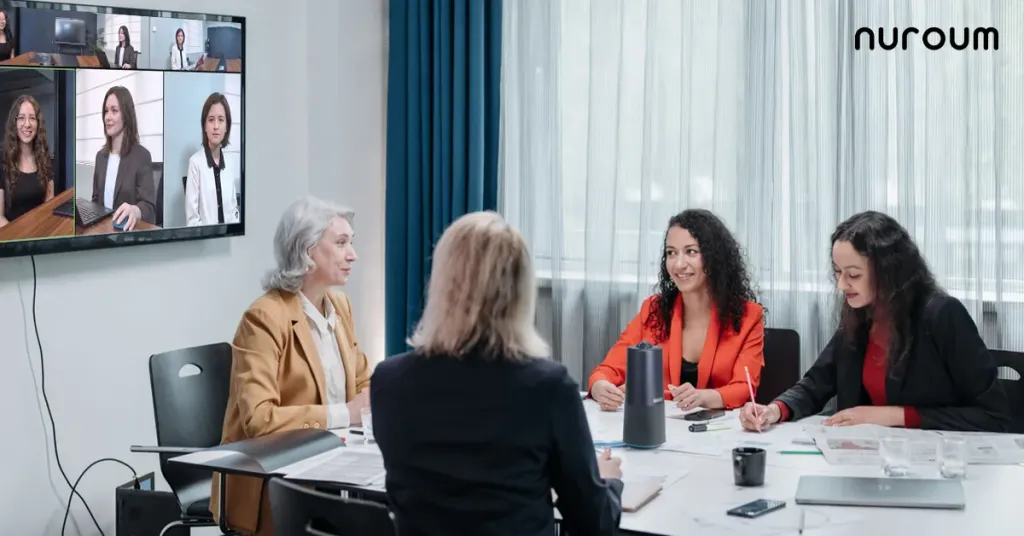
Budget Logic for Public Money and Donated Money
Whether the funds are appropriated or donated, the scrutiny is the same — and it changes the buying logic in a specific way: total cost per working room beats capability per dollar. The relevant denominator is not the device's feature list; it's the number of rooms that actually function every day. A fleet strategy built on one affordable, portable, all-in-one device type maximizes that denominator: more rooms covered, no installation labor, trivial sparing, and zero per-room IT configuration. It also reads well in a board packet or a procurement justification — "every meeting room in the building works the same way" is a sentence any approver understands.
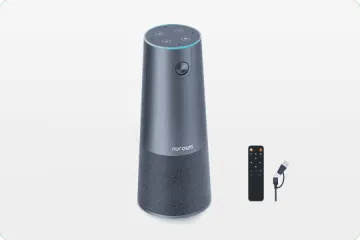
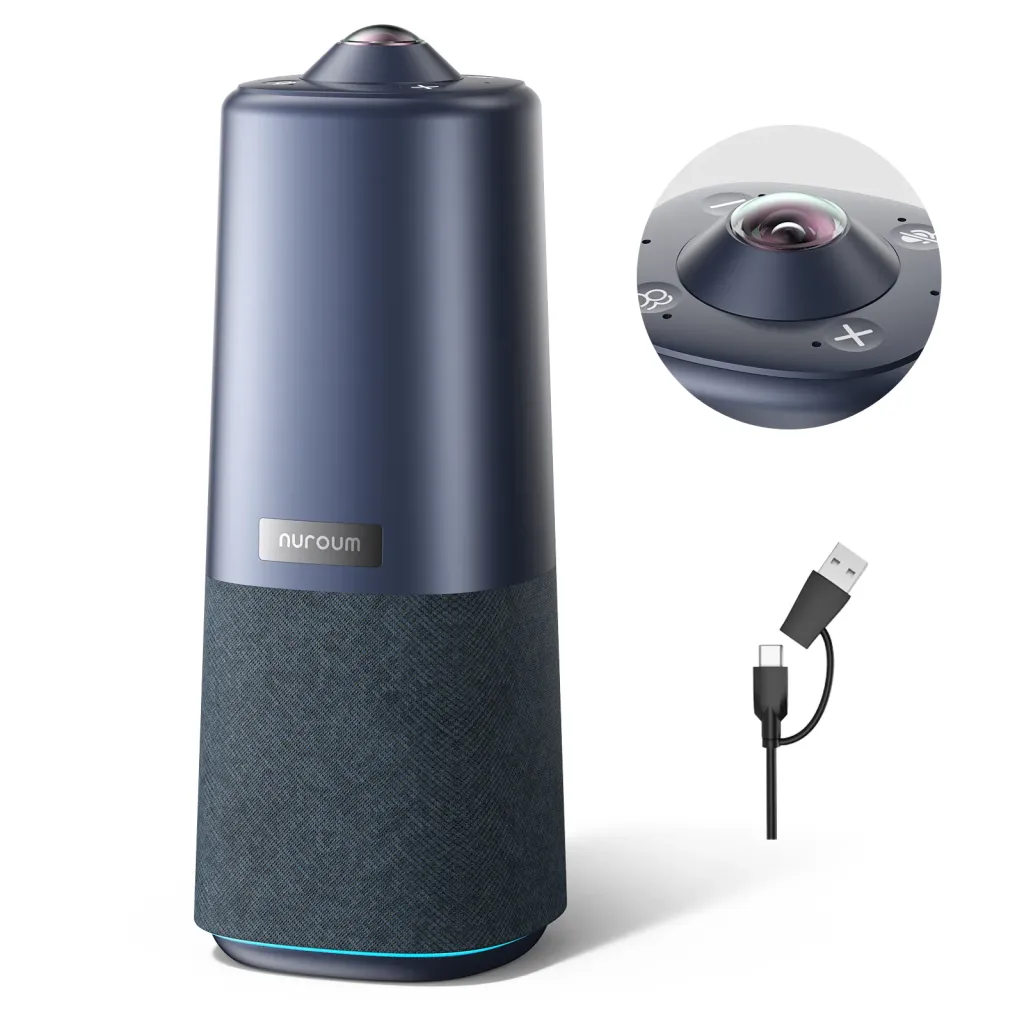
For organizations matching this profile, the Nuroum 360 Pro was designed around exactly these constraints. It's a single unit — 360-degree camera with a Sony sensor, six-microphone noise-cancelling array, and Hi-Fi speaker — that sits on the table, connects by one USB cable, and is detected instantly by Teams, Zoom, and Google Meet, so external partners on any platform join without friction. Its three AI display modes switch with one button or the included remote: Discussion mode for interdepartmental meetings, Global mode for board meetings and public hearings, Presentation mode for briefings and training. It covers rooms of roughly 3–18 people — huddle rooms through boardrooms — and as a class-compliant USB peripheral with no cloud service and nothing stored on device, it presents a minimal surface for security review. Nuroum is used by more than 40,000 organizations, including public agencies and nonprofits.
Frequently Asked Questions
What makes a meeting room camera 'secure' for government use?
Security for video meetings is primarily delivered by the platform — encryption, access controls, waiting rooms — and by network and room practices, not by the camera itself. At the hardware layer, the meaningful question is the device's data flow: networked appliances with their own operating systems and cloud accounts require patching, monitoring, and deeper review. A class-compliant USB camera that streams only while your approved platform runs, stores nothing, and maintains no cloud connection presents the smallest possible review surface. Agencies with formal certification lists should confirm policy requirements with IT security before purchasing anything.
How can a nonprofit equip meeting rooms on a tight budget?
Standardize on one affordable all-in-one device rather than assembling webcam-plus-speakerphone combinations room by room. A single unit that handles camera, microphones, and speaker typically costs less than the piecemeal parts, requires no installation labor, and — because it's portable — can be shared across rooms to stretch budget further. Write a one-page quick-start for each room so staff and volunteers can run meetings without help. The metric to optimize is working rooms per dollar, not features per device.
Do government Teams rooms need certified hardware?
Microsoft Teams works with any class-compliant USB camera and speakerphone — certification is a procurement policy question, not a technical requirement. Some agencies mandate certified appliances for managed rooms; many others permit BYOD setups where staff connect laptops to USB peripherals. Resolve this with your IT and procurement teams before shopping, because it determines whether you're comparing appliances or peripherals. For the many rooms without mandates, BYOD plus a quality all-in-one USB device delivers the same meeting experience at a fraction of appliance cost.
Is a video bar or a portable camera better for public sector meeting rooms?
Match the device to the room's actual usage pattern. A public sector video bar makes sense for a permanent, display-centric room used daily in one format — a council briefing room, for example. But most public sector rooms are shared, multi-purpose spaces hosting different meeting formats week to week, and there a portable 360-degree all-in-one camera is more practical: it covers huddle rooms, standard meeting rooms, and boardrooms, moves where it's needed, and lets one spare unit back up the entire building. Fleet flexibility usually beats per-room optimization when budgets and IT staff are both thin.
Related Guides
- The Complete Education Camera Guide: Classrooms, Hybrid Learning & Meeting Rooms — the pillar guide; public schools face the same procurement logic
- Healthcare Video Conferencing Guide: Telehealth, Hospital Meeting Rooms & Video Bars — compliance-driven camera decisions in a parallel sector
- Church Camera Guide: Streaming, Sanctuary & Online Ministry Meetings — volunteer-run setups for faith-based nonprofits



